
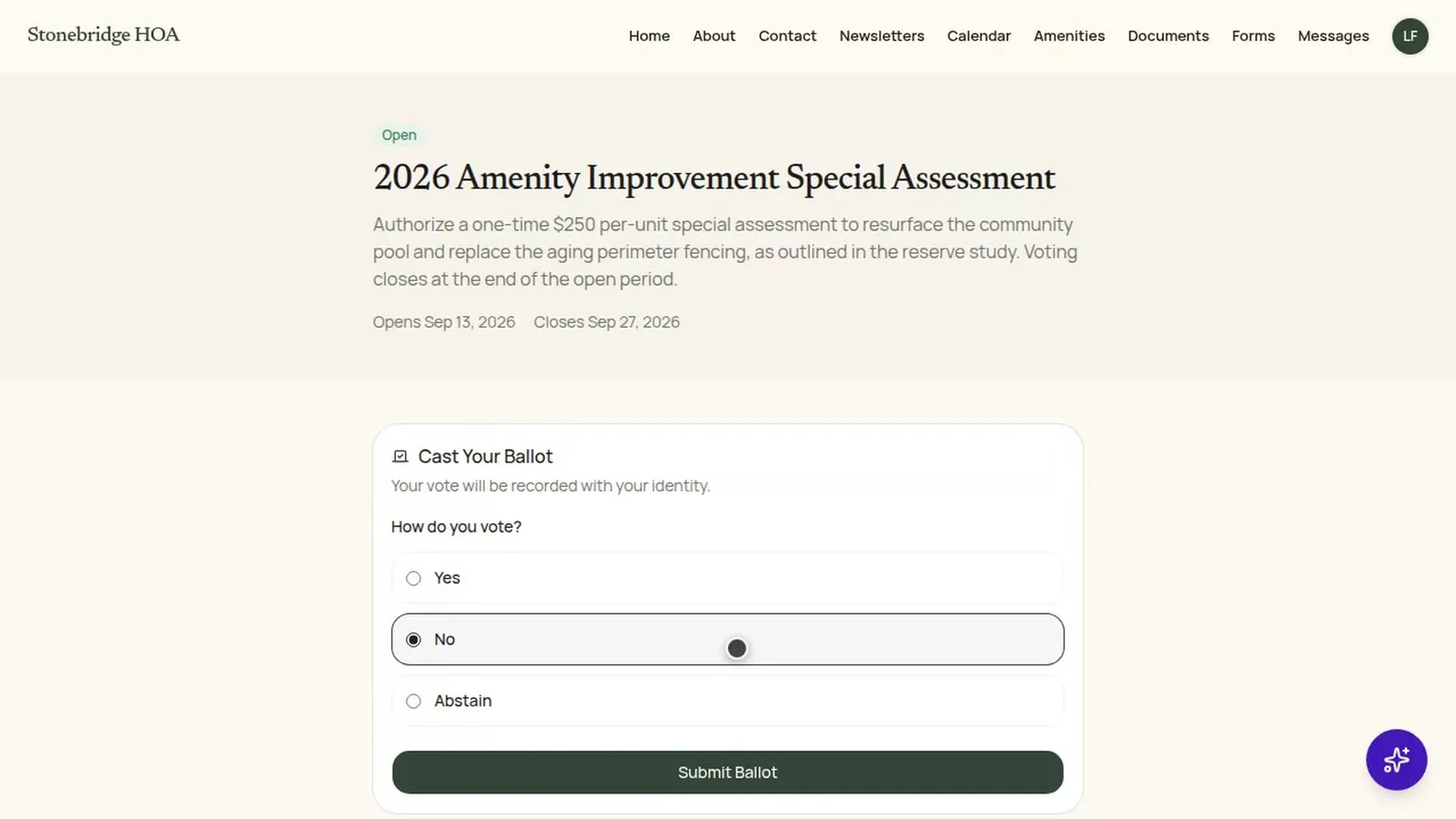
Below are walkthroughs of a board doing its work in HOA-OS, grouped by the job. You can watch any of them right now without signing up or talking to anyone.
Here are three to start with.


Money and dues
- How does a board collect dues online and see who hasn't paid?
- How does a board set up recurring dues?
- How does a board set up late fees and payment reminders?
- How does a board record a paper check payment?
- How does a board create and bill a special assessment?
- How does a board keep its books and generate statements?
- We're switching systems. How do we bring over what each unit already owes?
- How much should our board be putting into reserves each year?
- How does a board write a delinquent owner a formal collection letter without starting from scratch each time?
- How does a board keep a record of a delinquent account from the first warning to a filed lien?
Residents and records
- How does a board move its records out of a management company?
- How does a board import its resident roster from a spreadsheet?
- Where does a board see what's owed on one unit, what's been reported, and who actually lives there?
- How does a board share community documents with residents and keep some for the board only?
- What does a board do when a title company asks for a resale certificate before a home sale closes?
- How does a board put together the resale package a title company ordered before a home sale closes?
- How does a community let residents reserve the clubhouse and pool without a sign-up sheet?
Communication
- How does a board set up an assistant that answers residents from the community's own documents?
- How does a board put out a community newsletter when nobody on it wants to write one?
- How does a board handle resident messages without them landing in one person's personal inbox?
- How does a board find out what residents think before it decides something?
Votes and governance
- How does a board run a vote, reach quorum, and end up with an outcome it can prove later?
- How does a board send violation notices that stay consistent?
Maintenance
- How does a board track a maintenance request from the moment a resident reports it until the work is done?
- How does a board walk the neighborhood and log what it finds without a clipboard?
- How does a board keep track of its vendors' contracts and insurance before something lapses?
Website
How these videos are made
We record each of these walkthroughs in HOA-OS on a demo community. No real community's residents or balances show up in them, and the owners, units and amounts you see are made up. A few on-screen notices that aren't part of the task are hidden while we film.
The narration is an AI voice.
Try it yourself
If you want to click around, the live demo opens a demo community's dashboard, read-only, with no login. When you're ready to run your own community on it, start a free trial at hoa-os.com/signup.