
An inspection walk done with a clipboard leaves the board an evening of typing afterwards, and whatever was still wrong last time lives in somebody's notes.
This walkthrough follows a board through the same walk on a map in HOA-OS. Open violations that have already gone to the owner as a notice come up at the home. A new problem gets its photo and is logged where it was found. When the walk ends, there's a count of homes covered and problems found.
What the video covers
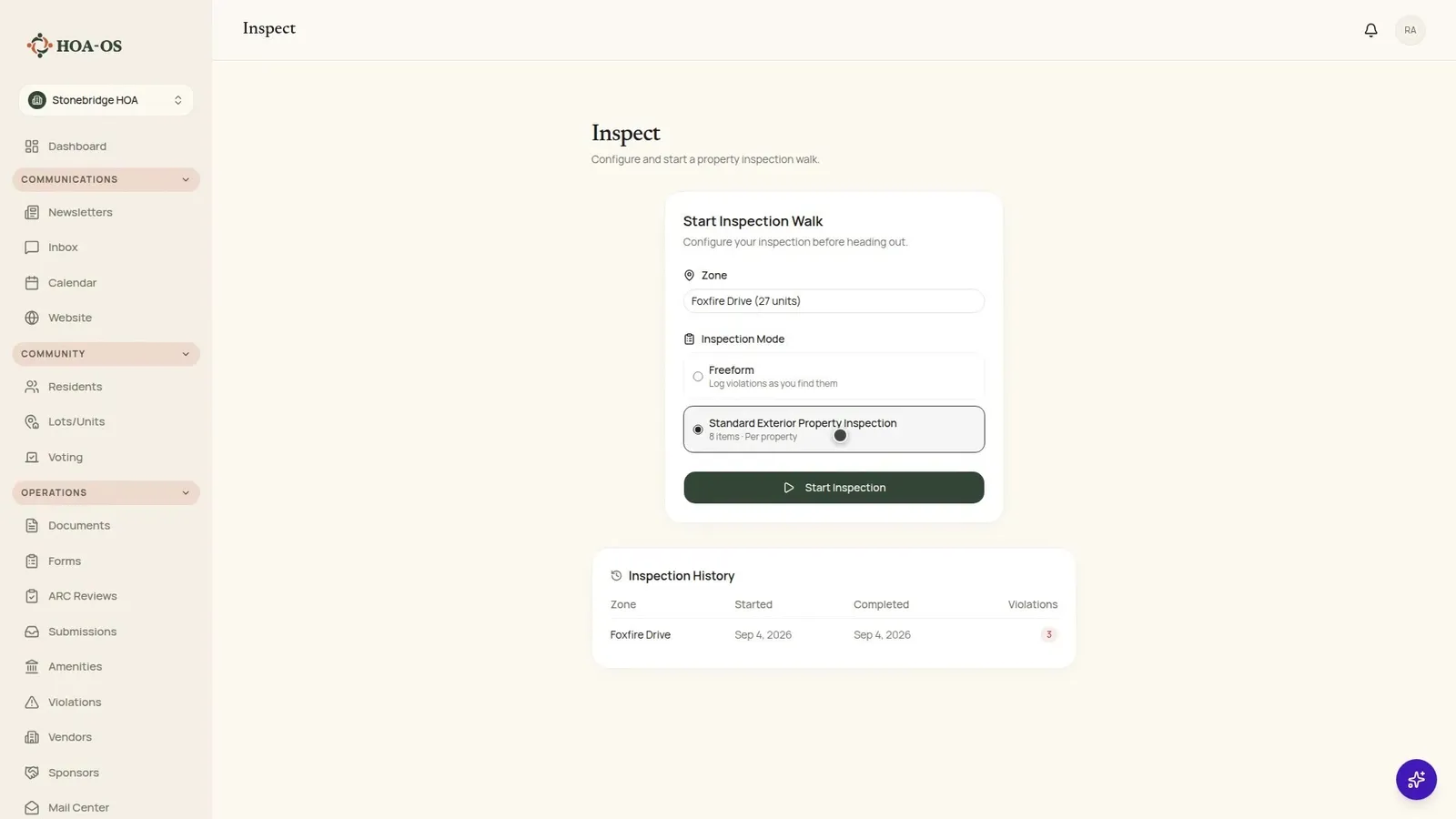
- Choosing a zone and a checklist to start the walk
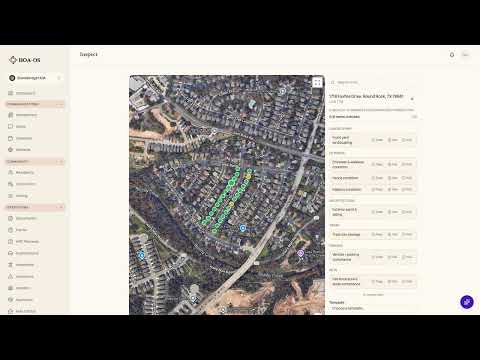
- The zone's homes on the map, with the ones carrying an open violation marked in the list beside it
- Rechecking an open violation and marking it still in violation
- Adding a photo and filling a new violation in from a template
- Logging a problem with the Log and Next button
- Clearing a home with the Mark Clear and Next button
- Ending the walk and generating the report
- The walk in the inspection history
- The notice to the owner, which logging on the walk leaves for later
The full walkthrough, in words
Start by choosing a zone and a checklist. The board in this walkthrough is walking Foxfire Drive, 27 homes, with its standard exterior checklist.
Each pin on the map is one of the zone's homes. In the list beside the map, the three homes that already have an open violation are marked before the board gets to any of them.
Open the home at 1718 and the violation already on file comes up: a fence in disrepair, eight days old, still open. The fence hasn't been fixed, so the board marks it still in violation. It stays open as it was, with a note that it was rechecked on this walk.
At 1714 there's something new. Add the photo, pick a template, and the category, severity, title and notes fill in from it. Then Log and Next. The violation is saved to this walk, the home turns orange on the map, and the panel moves on to the nearest home not yet visited, going by where the homes sit on the map.
Nothing's wrong at 1712, so it's Mark Clear and Next, and the walk moves on to 1710. Nothing's wrong there either. The count at the top of the map keeps up as the walk goes: two clear so far, and the one logged is the orange pin at 1714.
When the board is done, it ends the inspection. The summary lists what was logged on this walk, here the one at 1714. Generate the report and it adds the count: three homes inspected and one violation found, with its address, category and severity. The homes inspected are the ones logged or marked clear, so the recheck at 1718 isn't part of that three.
Back on the Inspect page, the walk sits in the history with its zone, its date and what it found, above an earlier walk from three weeks before.
The board comes home with the record already written: what was found, where, with the photo, and how many homes the walk covered.
Questions boards ask about this
Does logging a violation on the walk notify the owner?
No. Logging a problem on the walk saves it without sending the owner anything. The notice is its own step, and the board decides when to take it.
How does Log and Next pick the next home?
It moves to the nearest home not yet visited, going by where the homes sit on the map.
Which violations come up when the board opens a home?
The open ones the owner has already been sent a notice for. In the walkthrough that's the fence at 1718, and marking it still in violation keeps it open as it was, with a note that it was rechecked on this walk.
What's in the report?
The number of homes inspected, counting the ones logged or marked clear, and each violation found with its address, category and severity.
Related reading
- Violation notice templates that keep your HOA consistent
- HOA Violation Notices: What to Include and How to Send Them
- How to Enforce Your HOA Rules Fairly and Consistently
HOA-OS is software for self-managed HOA boards. See what it covers at hoa-os.com/self-managed-hoa-software.